Turn Your Old Smartphone Into a CCTV Camera in Minutes — Here’s How
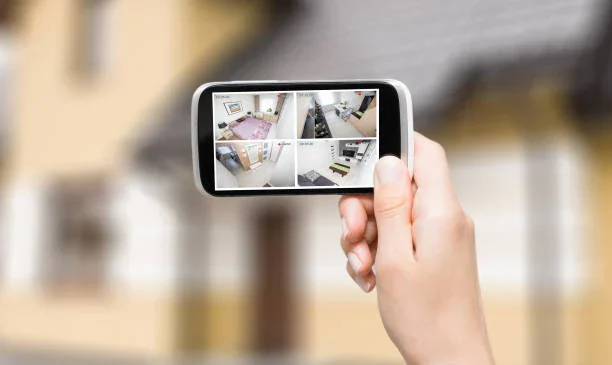
Turn Your Old Smartphone Into a CCTV Camera in Minutes — Here’s How
Many people upgrade to new smartphones even though their old ones still work well. Instead of letting that device sit unused, it can be easily converted into a home security camera. With the help of a security-camera app and a Wi-Fi connection, an old phone can work as a reliable monitoring tool. Here’s how you can set it up:
1. Download a Security Camera App
Visit the app store and install a trusted security camera application available for both Android and iOS. Choose one that offers live video streaming, motion alerts, two-way audio, storage options and remote viewing. Install the app on both your old and current phones.
2. Connect Both Devices
Open the app and log in using the same account on both devices. Select the old phone as the Camera and the new phone as the Viewer, then follow the pairing instructions shown in the app.

3. Position the Camera Phone
Place the old smartphone in the area you want to monitor—such as the entrance, corridor or living room. Keep it slightly elevated for a wider view. Ensure it has a stable Wi-Fi connection and stays plugged in.
4. Test the Setup
Check that the camera phone remains powered on. Open the live video feed on your current phone and adjust the angle if required. You can also change settings like motion detection and alert sensitivity.
5. Start Monitoring
Once everything is set, your DIY security system is ready. You can now keep an eye on your home anytime without investing in costly CCTV equipment.