Your Phone’s Most-Used Apps Could Be Watching You – Simple Ways to Protect Your Privacy
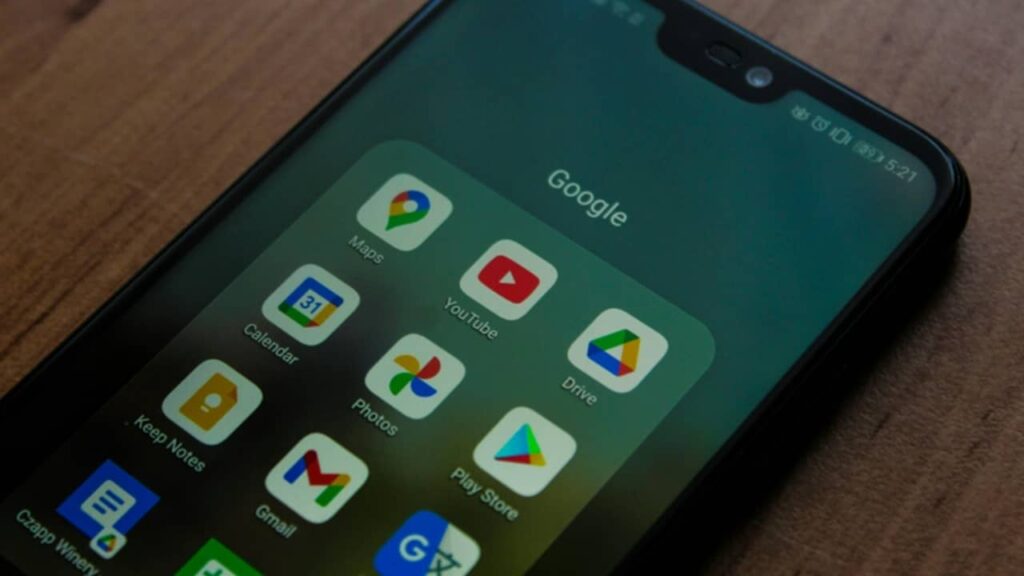
Your Phone's Most-Used Apps Could Be Watching You - Simple Ways to Protect Your Privacy
Simple steps to protect your data
Many of us use social media, video, music, maps and shopping apps every day. But several of these apps quietly collect a lot of personal data. They track your location, scan your contacts, watch how you browse, and build a profile about your habits. Recent reports say the most data-hungry apps are often the ones we open the most social networks, video platforms, short-video, shopping and some utility apps. The issue is not just one brand or one country; it is how many apps ask for extra access that they do not really need.
What kind of data gets picked up? Your precise location, contacts, photos, microphone, device ID, search history, even which other apps you use. Sometimes this happens in the background, even when you are not using the app. The data is then used for targeted ads, “personalised” feeds, and analytics. For many people who depend on their phones for cab bookings, payments and news, this can feel uncomfortable and risky if leaked.

The good news: you can cut the tracking without giving up your favourite apps. Here’s a simple checklist you can do in 10–15 minutes.
Review app permissions
Open Settings → Privacy/Permissions → Permission Manager. Check Location, Contacts, Camera, Microphone, Photos, Files, SMS and Phone. Turn OFF anything the app does not truly need. For many apps, “Allow only while using” or “Ask every time” is best.
Switch to approximate location
Most apps do not need your exact GPS point. Use “Approximate location” where your phone allows it. Keep precise location only for maps, cabs or delivery apps.
Block background data
In Mobile Data settings, stop background data for apps that do not need to refresh all day. This reduces both tracking and battery drain.
Limit ad tracking
Turn off “Personalised ads/Ad ID” in Google/Apple privacy settings. Reset your ad ID once in a while.
Use system privacy dashboards
Android and iOS now show when Camera/Mic/Location are used. Check the dashboard weekly. If an app pings your location at odd hours, rethink its access.
Clean up old apps
Delete apps you no longer use. Every extra app is another door to your data.
Be careful with “Login with…”
Signing in with a social account is quick, but it may share more data than you expect. Use email + strong password instead, and turn on two-factor authentication.
Update your phone
Security fixes come with updates. Keep your OS and apps current to patch known risks.
Think before saying “Allow”
If a wallpaper app asks for Microphone, or a torch app wants Contacts, say “No”. If the app breaks without that access, choose a better alternative.
For families, teach kids the same habits. Many “free” apps are paid for by your data. With a few careful settings, you can keep the fun and lose the snooping.
Disclaimer: This article gives general privacy guidance. It is not a substitute for professional cybersecurity advice. Settings vary by device and OS version; please review what applies to your phone.