“Phone Feature Changed? Want Old Settings Back? Follow These Simple Steps”
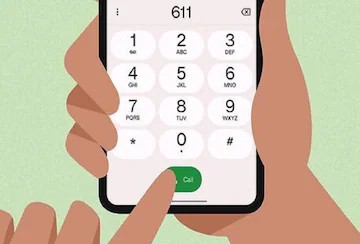
"Phone Feature Changed? Want Old Settings Back? Follow These Simple Steps"
Mumbai, August 23 – Android users are noticing sudden changes in their phone’s dialer interface following Google’s latest update to the Phone by Google app.
The update introduces a fresh design, simplified interface, and new features aimed at reducing accidental calls and improving user experience.
What’s New in the Update?
- Tabs Redefined: Old tabs like Favorites, Recents, Contacts, and Voicemail have been replaced with three – Home, Keypad, and Voicemail.
- Home Tab Upgrade: Displays favorite contacts at the top, followed by a list of all recent calls.
- Incoming Call Interface: Now uses a horizontal swipe – swipe right to answer, swipe left to decline – replacing the earlier single-tap button to minimize accidental actions.
- Material 3 Expressive Design: Features colorful, rounded frames, animated elements, and pill-shaped buttons, making missed and repeated calls easier to identify.
How to Restore the Old Dialer Settings
Users who prefer the previous interface can follow these steps:

- Open Google Play Store.
- Search for Phone by Google.
- Select Uninstall Update.
- The old interface will be restored.
This update aims to enhance usability and prevent pocket dials, but sudden changes have left some users confused.
Disclaimer: The steps provided are for informational purposes. Users should proceed carefully and ensure their phone’s software compatibility before making any changes.