How to Link Aadhaar and Driving License? Know the Online Process
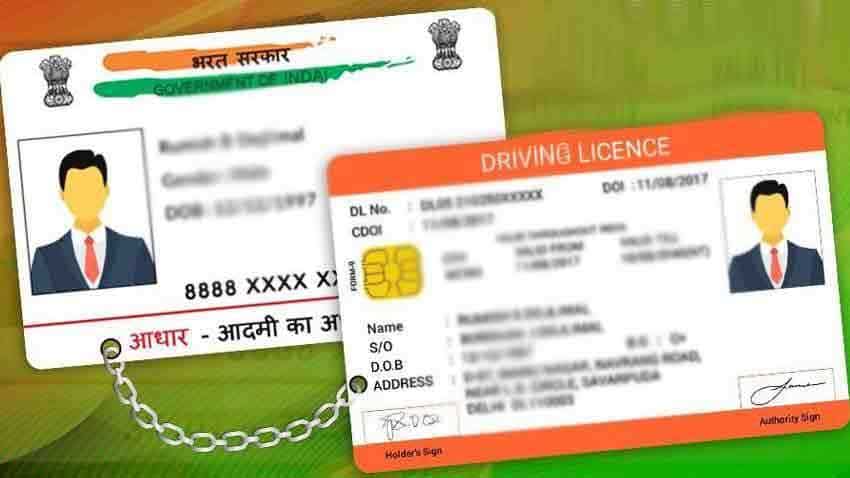
How to Link Aadhaar and Driving License? Know the Online Process
Ministry launches Aadhaar-linked online facility for RC and DL updates via parivahan.gov.in
The Union Ministry of Road Transport and Highways has launched a new facility that allows vehicle owners and driving license holders to update their mobile number and link Aadhaar online. With this move, citizens no longer need to visit the RTO office, as the entire process can be completed through the official portal parivahan.gov.in using Aadhaar authentication.
According to officials, this online facility covers both vehicle registration certificates (RC) and driving licenses (DL). Once completed, government updates and notifications will be sent directly to the registered mobile number.

The service can be accessed through two options on the portal — ‘Vahan’ (for vehicle-related services) and ‘Sarathi’ (for license-related services).
How to Update Mobile Number for Vehicle (RC)
- Visit parivahan.gov.in.
- Select the option to update mobile number through Aadhaar.
- Enter vehicle registration number, chassis number, engine number, date, and validity of registration.
- Complete Aadhaar verification, enter the security code, and submit.
How to Update Mobile Number for Driving License (DL)
- Scan the Sarathi QR code on the portal or go to the respective page.
- Enter driving license details along with date of birth, state, and captcha code.
- Complete Aadhaar authentication.
- Click on Submit to finish the process.
The Ministry has also been sending messages to vehicle owners and license holders, urging them to link their Aadhaar and confirm their mobile numbers through this process.
This Aadhaar-linked system is expected to improve transparency, ensure timely delivery of government updates, and reduce the need for in-person visits to RTO offices.