Laptop Users Beware: Hidden Dangers of Charging Devices on Bed
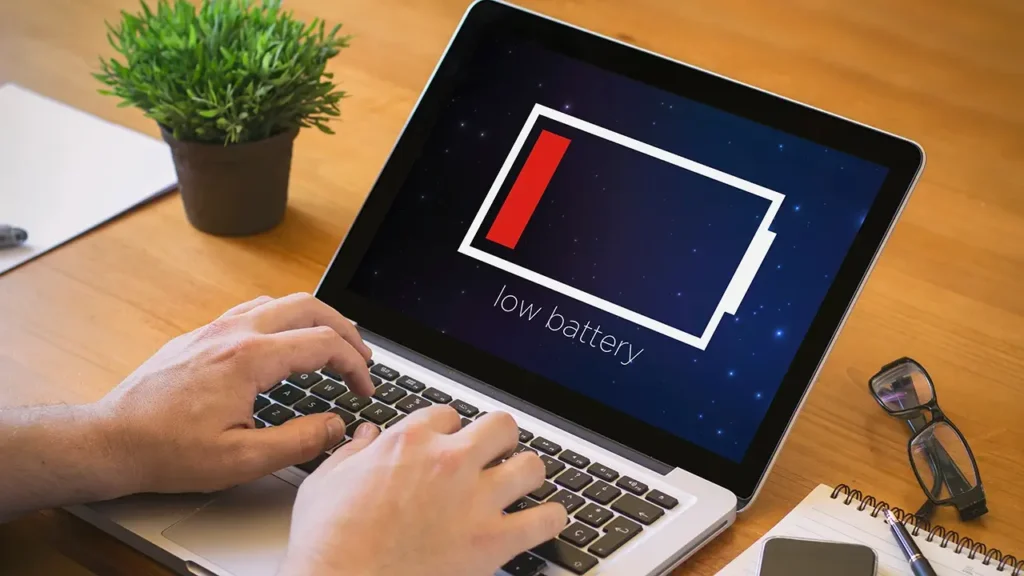
Laptop Users Beware: Hidden Dangers of Charging Devices on Bed
Laptop Charging Tips: Avoid Overheating, Battery Damage & Fire Hazards
Charging your laptop on a bed or using cheap chargers can damage the battery and increase fire risk. Follow these essential laptop safety tips to extend device life.
Laptop Charging Tips: Avoid Risky Habits That Can Damage Your Device
In today’s digital age, laptops have become essential for work, education, and daily tasks. Whether it’s office assignments or college projects, proper laptop care is crucial to ensure long-term performance and safety. However, simple mistakes during charging can significantly reduce battery life and even pose serious hazards.

Experts warn that incorrect charging practices—such as placing laptops on soft surfaces or using low-quality chargers—can lead to overheating, internal damage, and in extreme cases, fire risks. Here are some common mistakes users should avoid:
Avoid Heavy Tasks While Charging
Many users continue working on high-performance tasks like video editing or gaming while the laptop is charging. This puts excessive strain on both the processor and battery, causing the device to heat up quickly. It is advisable to avoid heavy usage during charging to prevent overheating.
Do Not Charge on Beds or Sofas
Charging your laptop on a bed or sofa can block ventilation vents, trapping heat inside the device. This can damage critical components like the motherboard. Always place your laptop on a hard, flat surface such as a desk or table while charging.
Avoid Overnight Charging
Although modern laptops come with overcharge protection, keeping them plugged in overnight can gradually reduce battery efficiency. Experts recommend unplugging the charger once the battery reaches around 80–90% to prolong battery health.
Use Only Original or Certified Chargers
Using cheap or uncertified chargers can be dangerous, as they may not supply the correct voltage. This increases the risk of battery damage, short circuits, or even explosions. Always use the manufacturer’s original or certified charger.
Do Not Ignore Overheating
If your laptop becomes unusually hot while charging, it is important to act immediately. Disconnect the charger and allow the device to cool down. Prolonged overheating can damage internal components and reduce overall lifespan. Using a cooling pad can help regulate temperature.
Conclusion
While charging a laptop may seem like a simple task, neglecting basic precautions can lead to costly damage and safety risks. By following these essential tips, users can extend their device’s lifespan and ensure safe usage.
Disclaimer:
This article is for informational purposes only and is based on general usage guidelines. Users are advised to follow manufacturer instructions and consult authorized service professionals for device-specific concerns.