
How to Change Your PAN Card Photo Online and Offline: A Step-by-Step Guide
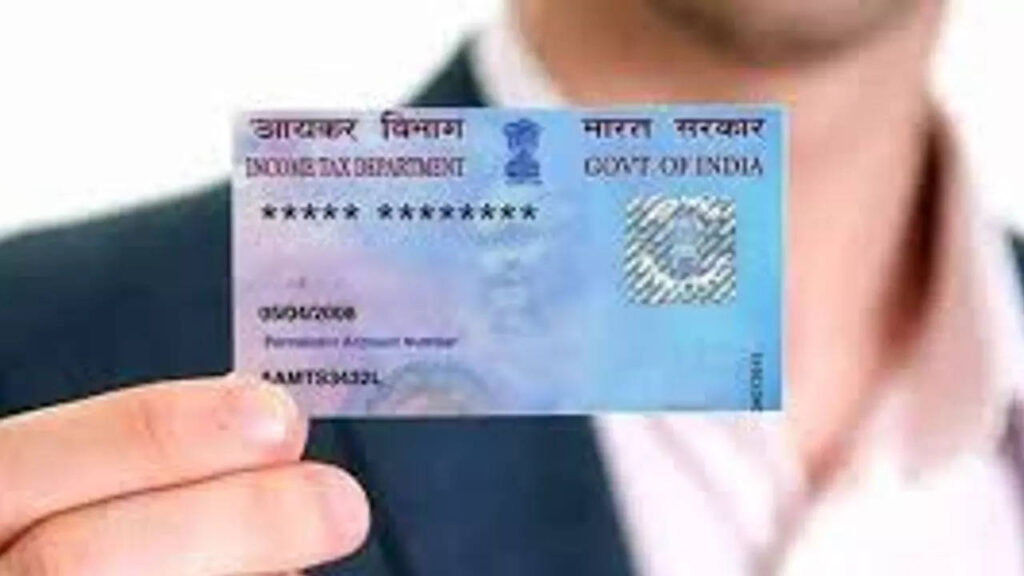
PAN Card Holders Alert: CBDT Sets December 31, 2025 Deadline for Aadhaar Update – Check Who’s Affected
How to Change Your PAN Card Photo Online and Offline: A Step-by-Step Guide
Keeping Your PAN Card Updated
Your PAN card is a crucial financial document in India, required for various transactions. If your PAN card photo is outdated or unclear, it’s essential to update it with a recent one. The process can be completed either online or offline. Here’s a step-by-step guide to help you update your PAN card photo seamlessly.
How to Change Your PAN Card Photo Online
Updating your PAN card photo online is a simple process, especially if you have a Digital Signature Certificate (DSC) or Aadhaar eKYC verification. Follow these steps:
Step 1: Visit the Official Portal
- Go to the Protean (NSDL) portal or UTIITSL website, the authorized platforms for PAN-related services.
Step 2: Select the Appropriate Service
- Click on “Services” > “PAN” and choose “Change/Correction in PAN Data.”
- Click “Apply” to proceed.
Step 3: Fill in the Application Form
- Choose “Request for New PAN Card or/and Changes or Correction in PAN Data.”
- Select the appropriate category (individual, company, etc.).
- Enter your PAN details, verify the captcha, and agree to the terms before submitting.
Step 4: Upload Photo and Provide Details
- Enter your contact details and upload a recent passport-sized photograph as per the specified format.
- Click Submit.
Step 5: Make the Payment
- Pay the applicable fee using credit/debit card, net banking, or UPI.
- Once payment is successful, you’ll receive a 15-digit acknowledgment number to track your application status.
How to Change Your PAN Card Photo Offline
If you prefer the offline method, follow these steps:

Step 1: Visit a PAN Service Center
- Locate the nearest NSDL or UTIITSL PAN service center.
Step 2: Get the Application Form
- Request or download Form 49A – “Request for New PAN Card or/and Changes or Corrections in PAN Data.”
Step 3: Fill Out the Form
- Carefully enter your details, ensuring accuracy to avoid rejections.
Step 4: Attach Supporting Documents
- Submit identity proof, address proof, and two recent passport-sized photographs.
Step 5: Submit the Form and Pay Fees
- Hand over the completed form and documents at the PAN center and pay the required fee.
Step 6: Get Acknowledgment Receipt
- After payment, you’ll receive a 15-digit acknowledgment number to track your PAN update request.
Tracking Your PAN Photo Update Status
- Visit the Protean (NSDL) or UTIITSL website.
- Enter your acknowledgment number and track your application progress.
- Once processed, your updated PAN card will be dispatched to your registered address.
By following these steps, you can easily update your PAN card photo and ensure that your financial records remain accurate and up to date.