Avoid Falling for Fake QR Codes: Simple Steps to Protect Your Digital Payments
Avoid Falling for Fake QR Codes: Simple Steps to Protect Your Digital Payments
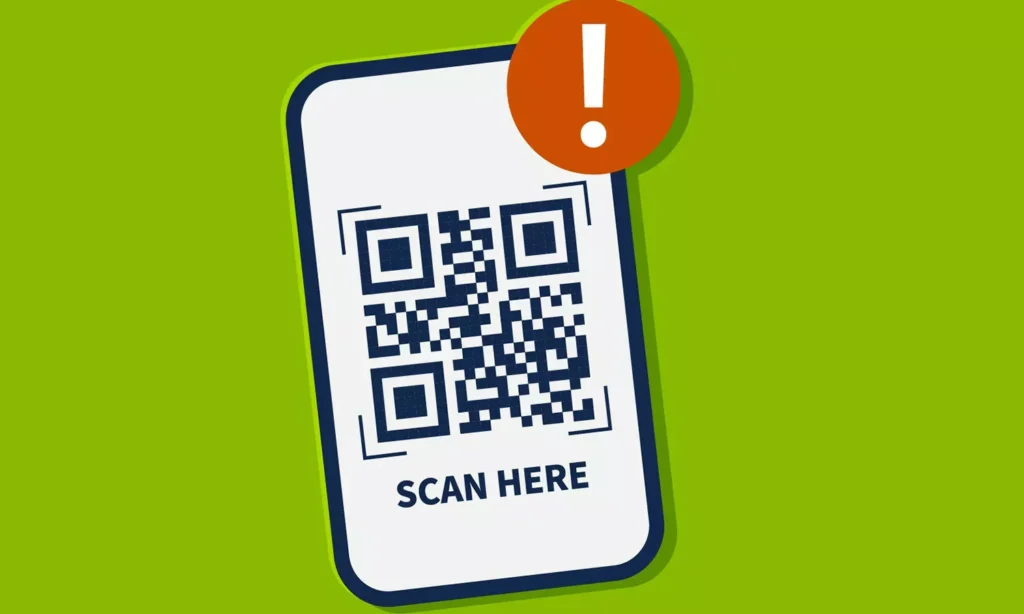
Digital payments have become a part of daily life for people of all ages. Whether you’re buying a small snack or doing your weekly grocery shopping, reaching for your phone to make a payment has become second nature. But the convenience of QR codes comes with risks. Scammers are increasingly placing fake QR codes in public places, hoping to trick unsuspecting users into sending money directly to their accounts. Protecting yourself is easier than you think if you follow some simple precautions.
Spotting a Fake QR Code
Examine the sticker or paper

One common trick fraudsters use is placing their own QR code over an existing one. If you scan it without checking, the money goes straight to the scammer instead of the intended recipient. Before sending any payment, carefully inspect the QR code to ensure no extra stickers or papers are covering it.
Verify the recipient’s name
Whenever you initiate a payment, your phone screen displays the name of the person or store receiving the funds. If the name looks unfamiliar or doesn’t match the expected recipient, do not proceed. Taking this small step can prevent you from falling victim to an online scam.
Take your time, don’t rush
Many people scan a QR code and immediately hit the “Pay” button without checking the details. This haste can give cybercriminals an opportunity to steal your money. Always review the information calmly before confirming the transaction. Even a few seconds of caution can save you from a significant financial loss.
While QR codes make digital payments quick and convenient, they also create opportunities for fraud. By carefully examining the QR code, verifying the recipient’s name, and avoiding rushed transactions, you can ensure your money reaches the right place safely.